LMC8.4 Camera APK Compatibility
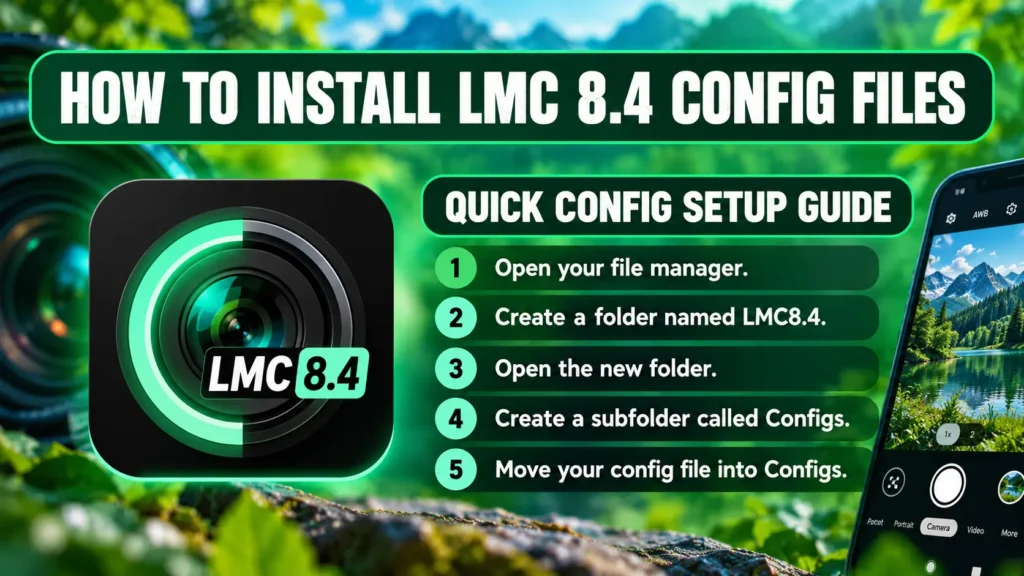
LMC8.4 APK compatibility with multi-lens support and custom XML profiles engineered to bring DSLR-level photo quality to your Android device.
LMC8.4 Camera APK Compatibility
Finding a camera APK is only the first part of setting up your phone. The application must also work with your Android software, camera hardware, and selected package.This LMC 8.4 google camera compatibility guide explains what to check before installation. It also helps you understand why some features work on one phone but fail on another.
How LMC Camera Compatibility Works ?
LMC 8.4 for android is a modified Google Camera port rather than a universal camera application. Its behavior depends on the particular build and the device running it.Two phones with similar specifications can still produce different results. Their camera drivers, Android versions, sensors, and software implementations may differ.Successful installation therefore does not guarantee that every camera mode will work.
Check Your Phone Before Installing
Identify Your Android Version
Open your phone’s Settings and find the About Phone section. Look for the Android version and software information provided by your manufacturer.Compare these details with the requirements published for your selected package. Do not rely on general compatibility claims that lack specific technical information.
Identify Your Phone Model
Record the complete model name rather than relying only on the marketing name. Different regional variants may use different processors or camera hardware.This information becomes especially important when selecting device-specific XML configurations. A profile designed for one variant may not suit another.
Understand Camera2 API Support
Camera2 API is an Android camera interface used by applications to access supported camera capabilities. Available functions can vary between devices and camera implementations.Camera2 API support is an important compatibility consideration, but it does not guarantee that every LMC feature will work. Check the capabilities exposed by your device and the requirements of the actual build.
Choosing a Compatible APK Package
Some LMC releases provide different package variants. Their package identifiers may differ, and each variant can behave differently on particular phones.
Before downloading, review the following details:
- Exact release number and build identifier.
- Package variant and application identity.
- Supported Android requirements.
- Device-specific notes from the maintainer.
- Known limitations and configuration recommendations.
Avoid choosing a package simply because its filename sounds familiar. Use documented compatibility information whenever possible.
Why Features Differ Between Devices
Auxiliary Camera Access
Some phones contain ultrawide, telephoto, or additional rear camera sensors. Third-party camera ports may not access every sensor correctly.A missing lens does not always mean the entire application is incompatible. The problem may relate to the package, camera implementation, or device restrictions.
Image Processing and Performance
Image processing depends on both software and hardware. A configuration that creates detailed photographs on one phone may produce excessive sharpening or noise on another.Try the default settings first. Change configurations only after confirming that the application operates reliably.
Video Recording Limitations
Video resolution, frame rates, stabilization, and audio controls depend on device capabilities and build support. A feature mentioned in a general guide may not appear on your phone.Check the actual recording options available in your installed application before relying on a particular mode.
Common Compatibility Problems
The Application Installs but Will Not Open
Check the package requirements and confirm that you selected the correct build. If the application immediately closes, test a documented compatible release.
Some Camera Modes Are Missing
The installed build may not support those modes on your device. Review its release notes and test the available features individually.
Additional Camera Lenses Do Not Work
Confirm that the device exposes the required camera sensors. If you use an XML file, check whether it targets your exact model.
Photographs Look Unnatural
The problem may involve processing settings rather than basic compatibility. Restore the defaults and compare new photographs before importing another configuration.
How to Test Compatibility Safely ?
Start by installing a package from a source you trust. Open the application without custom settings and test the main camera first.Next, check the front camera, available additional lenses, and basic video recording. Only after these functions work should you experiment with XML configurations and advanced controls.Keep the original camera application available. It provides a useful comparison and a fallback when a third-party build does not meet your needs.
Frequently Asked Questions
Does LMC 8.4 Work on Every Android Phone?
No. Support depends on the device, Android software, camera implementation, and selected package.
Is Camera2 API Support Enough?
Not necessarily. Individual features and package variants may require additional device capabilities.
Why Does the Same APK Behave Differently on Two Phones?
The phones may have different sensors, drivers, software versions, or supported camera functions.
Should I Install Every Package Variant?
No. Start with the package recommended for your device and test it before considering alternatives.
Final Thoughts
Compatibility requires more than matching an APK version to a phone’s name. Check the device model, software requirements, package information, and documented limitations before installing.Test the default camera functions first and introduce custom settings gradually. This makes it easier to identify compatibility problems and select a setup that works reliably.